The Digital Handshake: Using Downloaded Content Responsibly
Download Pinterest videos for personal reference, give credit to creators, and support the platform ecosystem—so offline convenience doesn’t come at…
Read article →Tips, guides, and troubleshooting help for downloading Pinterest videos, GIFs, and images.
Download Pinterest videos for personal reference, give credit to creators, and support the platform ecosystem—so offline convenience doesn’t come at…
Read article →
Download Pinterest videos before long flights or layovers so you can watch travel tips, short DIY ideas, and destination guides even without Wi‑Fi.
Read article →
Download study videos from Pinterest to avoid distractions, learn with offline repetition, and build a focused visual syllabus for exams and projects.
Read article →
Download Pinterest DIY tutorials before you start. Avoid Wi‑Fi dead zones, scrub and loop steps precisely, and build an offline project pack for repairs.
Read article →
Organize Pinterest video downloads into a personal reference library with smart folders, five‑second file naming, and distraction‑free offline learning.
Read article →
Does Private/Incognito mode keep Pinterest video downloads private? Learn what’s hidden, what’s saved, and how to avoid disappearing files after downloading.
Read article →
If your Pinterest “video” downloads as a photo, it’s usually a GIF or slideshow Pin—not a true MP4. Learn why it happens and how to spot real videos.
Read article →
Learn how to download Pinterest videos safely on shared or work devices—avoid accidental auto-sync, save to a temporary location, move files to personal storage, then clean up your traces using Klickpin.
Read article →
Save Pinterest travel videos for offline use: copy the pin link, paste it into Klickpin, download to your phone, and organize clips by destination.
Read article →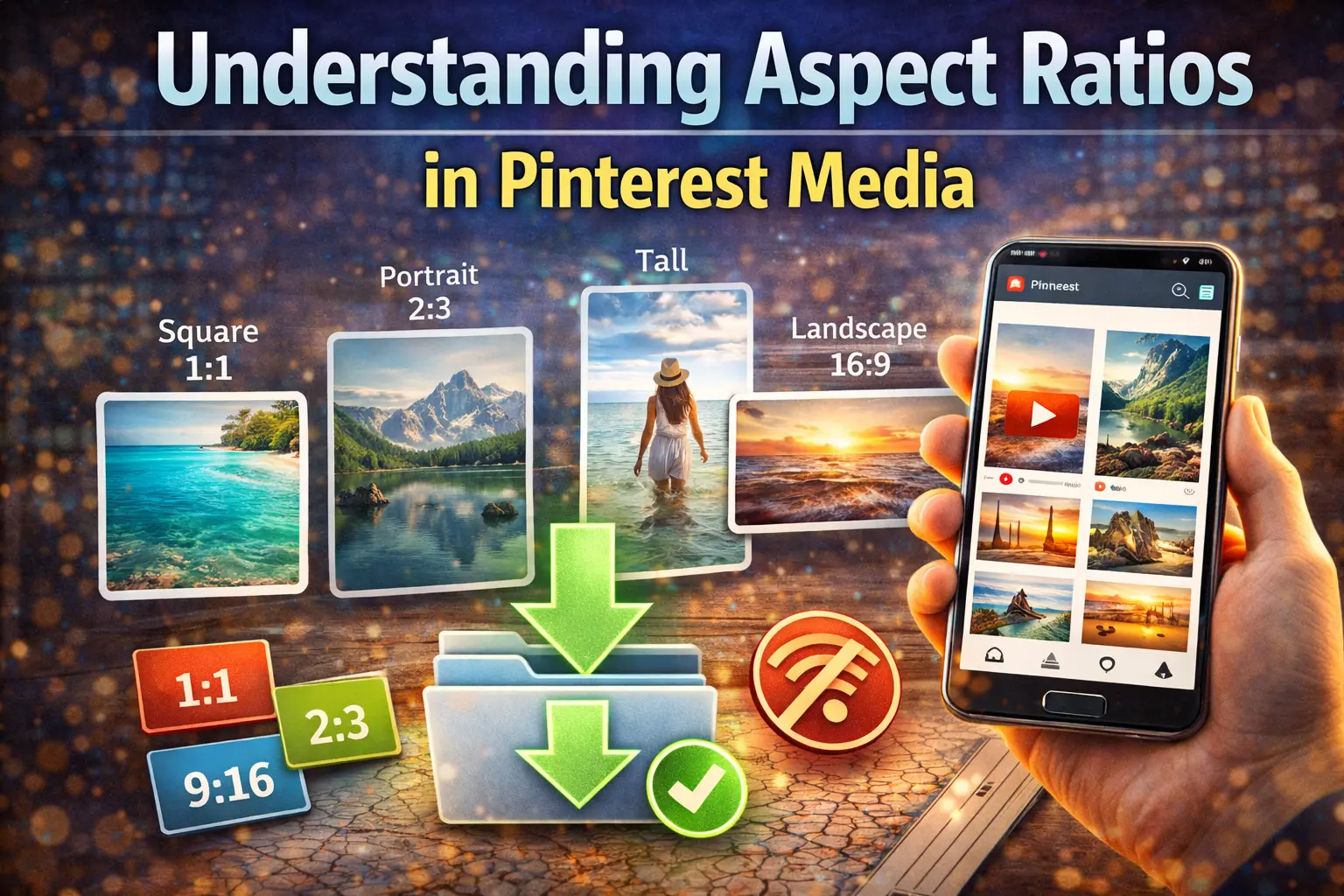
If you have ever downloaded a Pinterest video and opened it on your laptop only to find massive black bars flanking the sides, you’ve encountered the unique…
Read article →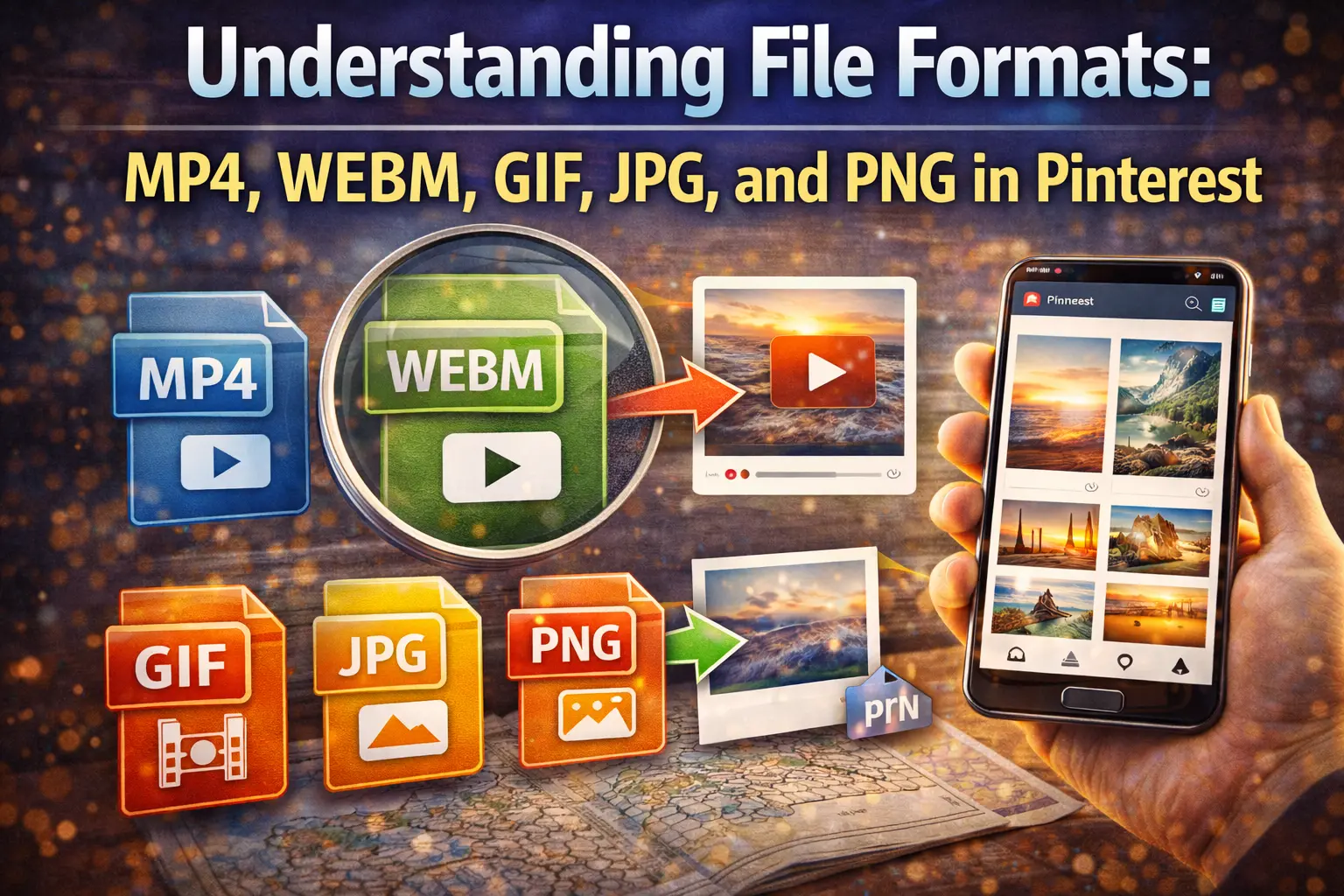
Pinterest content can come as videos, GIFs, or images. This guide explains common formats like MP4, WEBM, GIF, JPG, and PNG—what they are and when to use each.
Read article →
A simple step-by-step guide to download Pinterest videos using Klickpin. Copy the pin link, paste it, and save the video in seconds.
Read article →
If a Pinterest download fails or feels stuck, these quick checks help: link type, private pins, network issues, browser behavior, and retries.
Read article →
Why some Pinterest videos look blurry after download, what affects quality, and how to pick the best available resolution.
Read article →
Learn what affects download speed: internet quality, file size, device load, and Pinterest server response—plus fast fixes for slow downloads.
Read article →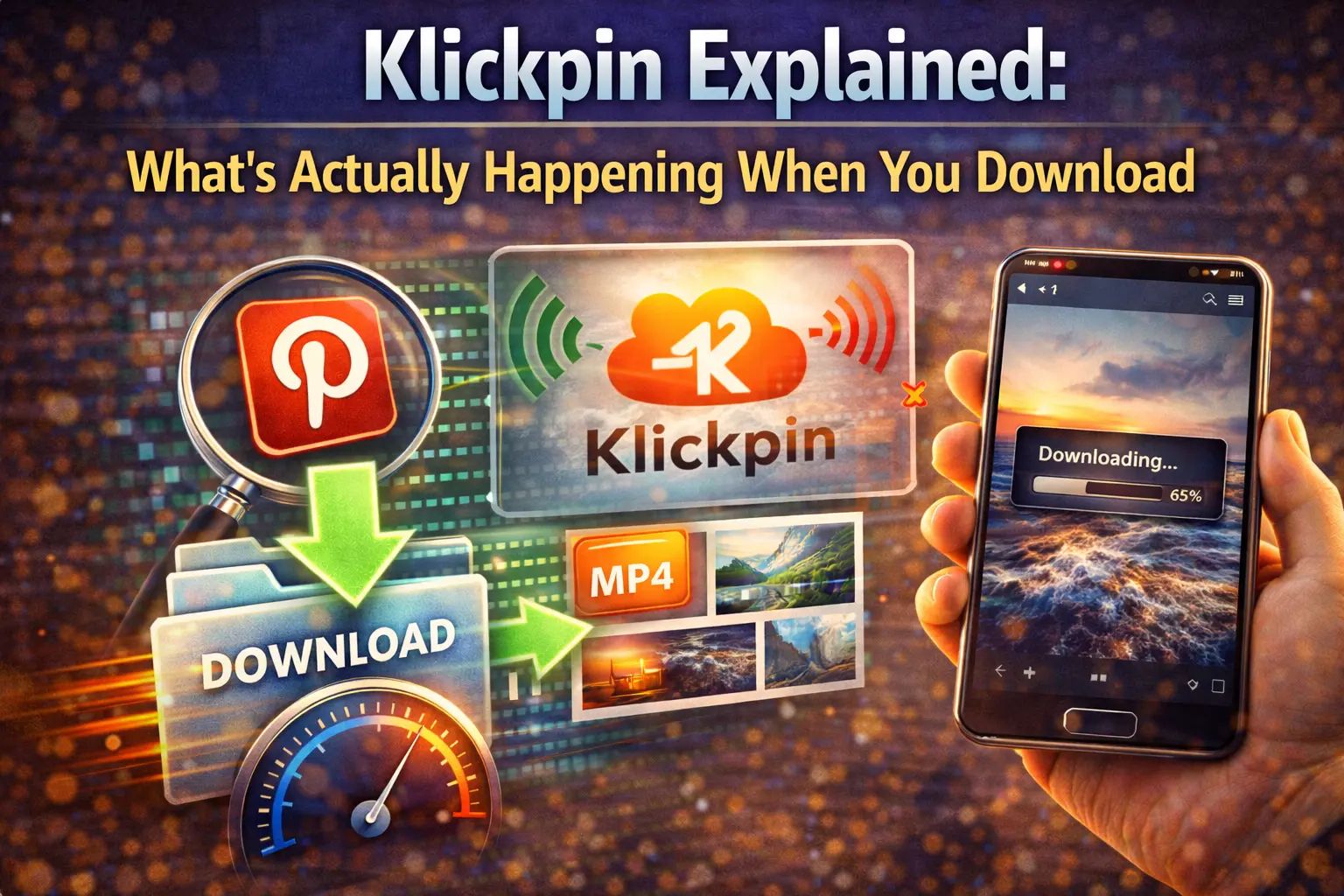
Curious about what happens behind the scenes? Here’s a simple breakdown of how Klickpin reads a pin link and helps you save the video.
Read article →
Use Klickpin on mobile without any app. Copy the Pinterest link, paste it in your browser, and download videos on Android or iPhone.
Read article →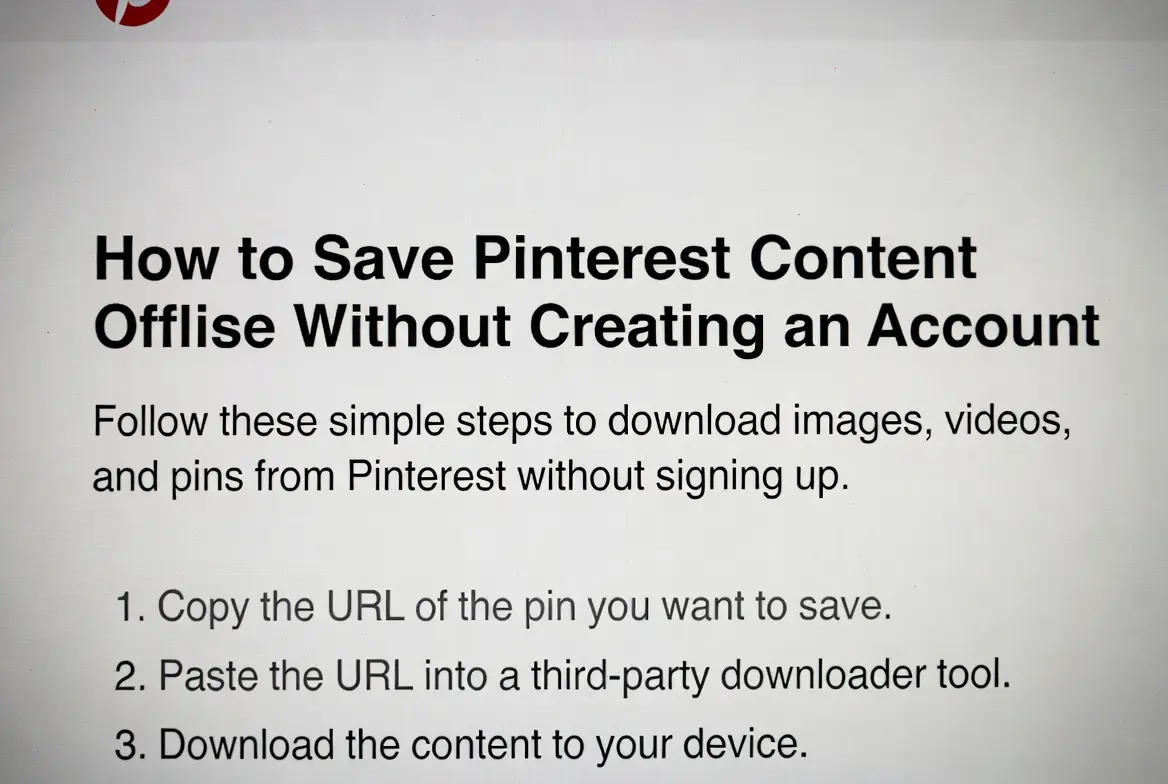
No login, no signup. Download Pinterest videos for offline viewing by copying the pin link and using Klickpin instantly.
Read article →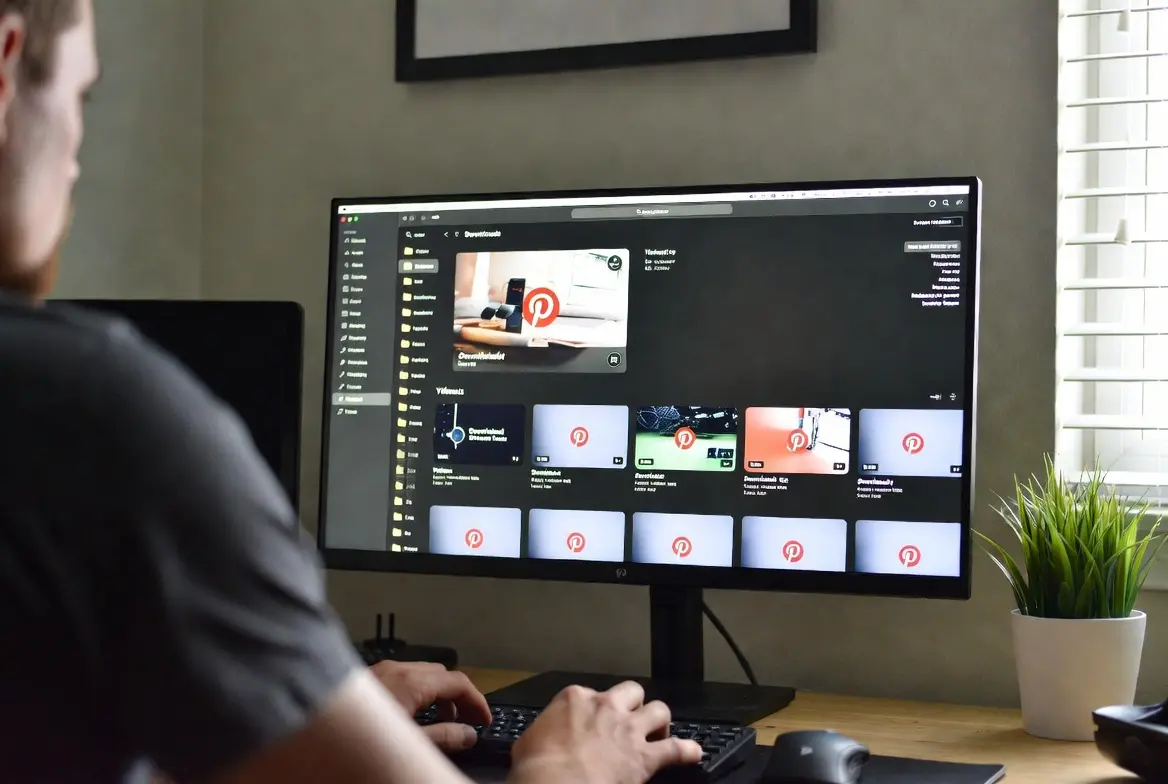
Keep your Pinterest downloads tidy with simple folders, smart file names, cleanups, and backups—so you can find videos fast later.
Read article →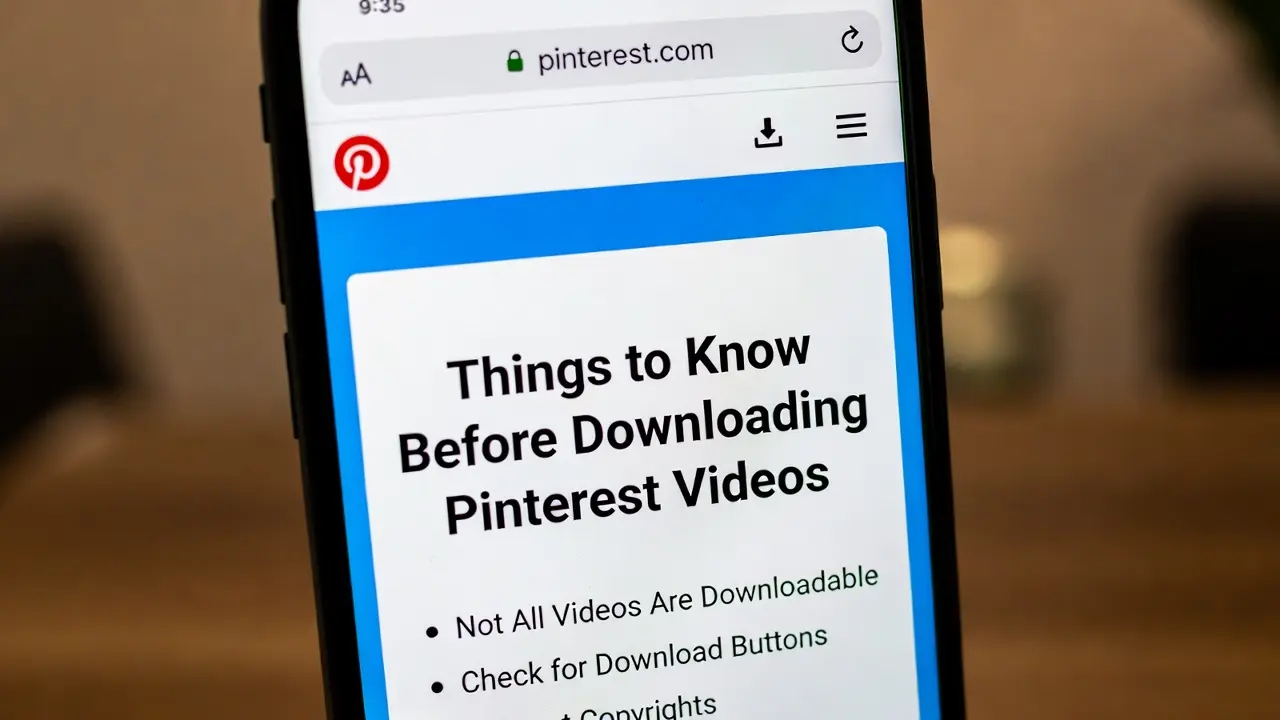
Know what’s downloadable, how quality works, file size factors, mobile download behavior, and respectful offline usage before you start saving videos.
Read article →